The presentation design wiki
Steal like a billionaire.
A curated library of real-world investor decks, broken down into reusable design systems. Study the colors, type, and layout, then rebuild the look in Plus AI in minutes.
The Gallery
Categories
Chevron Investor Day
Chevron · 2023

Caterpillar Investor Day
Caterpillar · 2022

CVS Health Investor Day
CVS Health · 2025

American Express Investor Day
American Express · 2024
Winning in Retail
Walmart · 2025

Scale and Discipline
JPMorgan Chase · 2025

Leading in Energy
ExxonMobil

One Goldman Sachs
Goldman Sachs · 2023

From Automaker to Platform Innovator
General Motors · 2021
Ford+ Plan
Ford · 2021

Better and Bolder
UPS · 2024

Building a Durable Delta
Delta Air Lines · 2024
Deliver Today, Innovate Tomorrow
FedEx · 2022
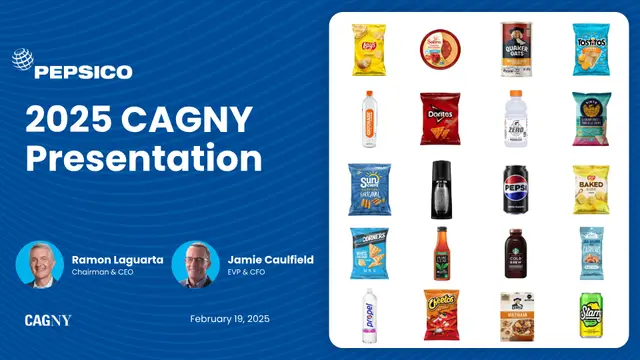
Faster, Stronger, Better
PepsiCo · 2025
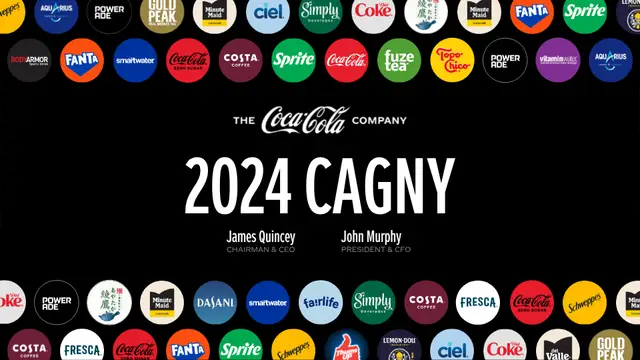
Refreshing the World
Coca-Cola · 2024

Total Home Strategy
Lowe's · 2022

How Doers Get More Done
Home Depot · 2025
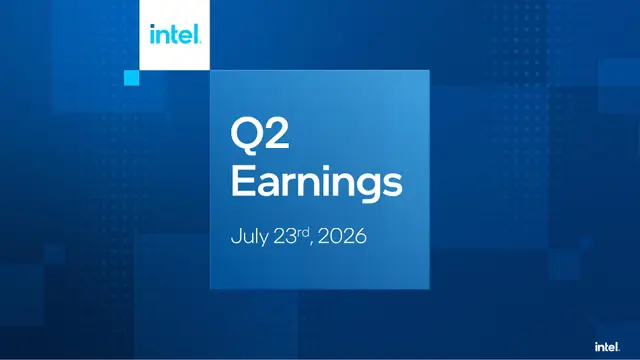
Q2 2026 Earnings
Intel · 2026
Study the design
Every deck is documented: palette, typography, layout, imagery, and chart style.
Download the spec
Grab a thorough Markdown design spec, ready to feed into Plus AI's Image feature.
Build in Plus AI
Generate a new, consistently styled presentation from the spec in one click.
Why Slides.Wiki
Presentation design inspiration from the Fortune 100
Slides.Wiki is a free library of professional presentation design examples pulled from real investor days, analyst meetings, and earnings decks at companies like Walmart, NVIDIA, JPMorgan Chase, and Coca-Cola. Instead of generic PowerPoint templates, you get the actual slide design systems the world's biggest brands use: their exact color palettes, corporate typefaces, slide layouts, chart styles, and imagery guidelines.
Every deck is documented as a downloadable Markdown design spec you can hand to Plus AI to generate a new pitch deck, investor presentation, or sales deck in that visual style, so your next presentation looks like it came from a corporate design team, not a template gallery.
FAQ
Common questions
What is Slides.Wiki?
Slides.Wiki is a curated gallery of real corporate presentation designs. We break down investor decks from Fortune 100 companies into reusable design systems covering colors, fonts, layout, imagery, and chart styles.
How do I make my slides look like these companies?
Open any presentation, review its documented design system, and download the Markdown design spec. Feed that spec into Plus AI to generate a new presentation in the same visual style in minutes.
Are these better than PowerPoint templates?
Templates give you a generic starting point. These are the actual design languages used by companies like NVIDIA, Goldman Sachs, and Delta, documented from their real investor presentations, so your deck inherits a proven, professional identity.
Is Slides.Wiki free to use?
Yes. Browsing the gallery, studying the design breakdowns, viewing the original decks, and downloading design specs are all free.